Edit Any Layer.
To the Second.
Change one thing, in one place. Only the selected layer re-renders. All the other layers get auto-adjusted in sync.No manual fixes. No broken sync. Not a drop of sweat.
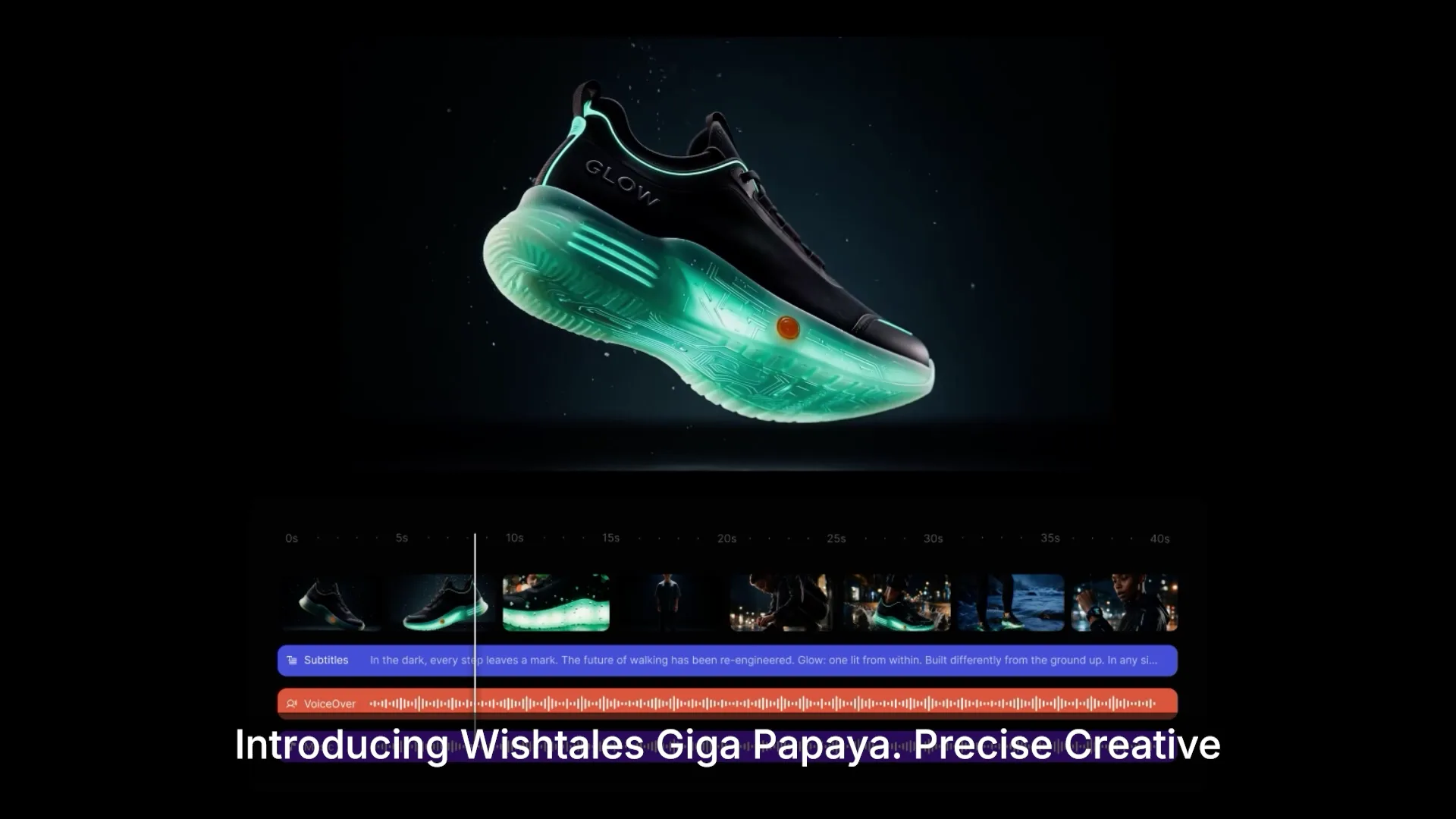
How an Edit Works
Editing to the Second.
Only the chosen layer re-renders for the chosen seconds.
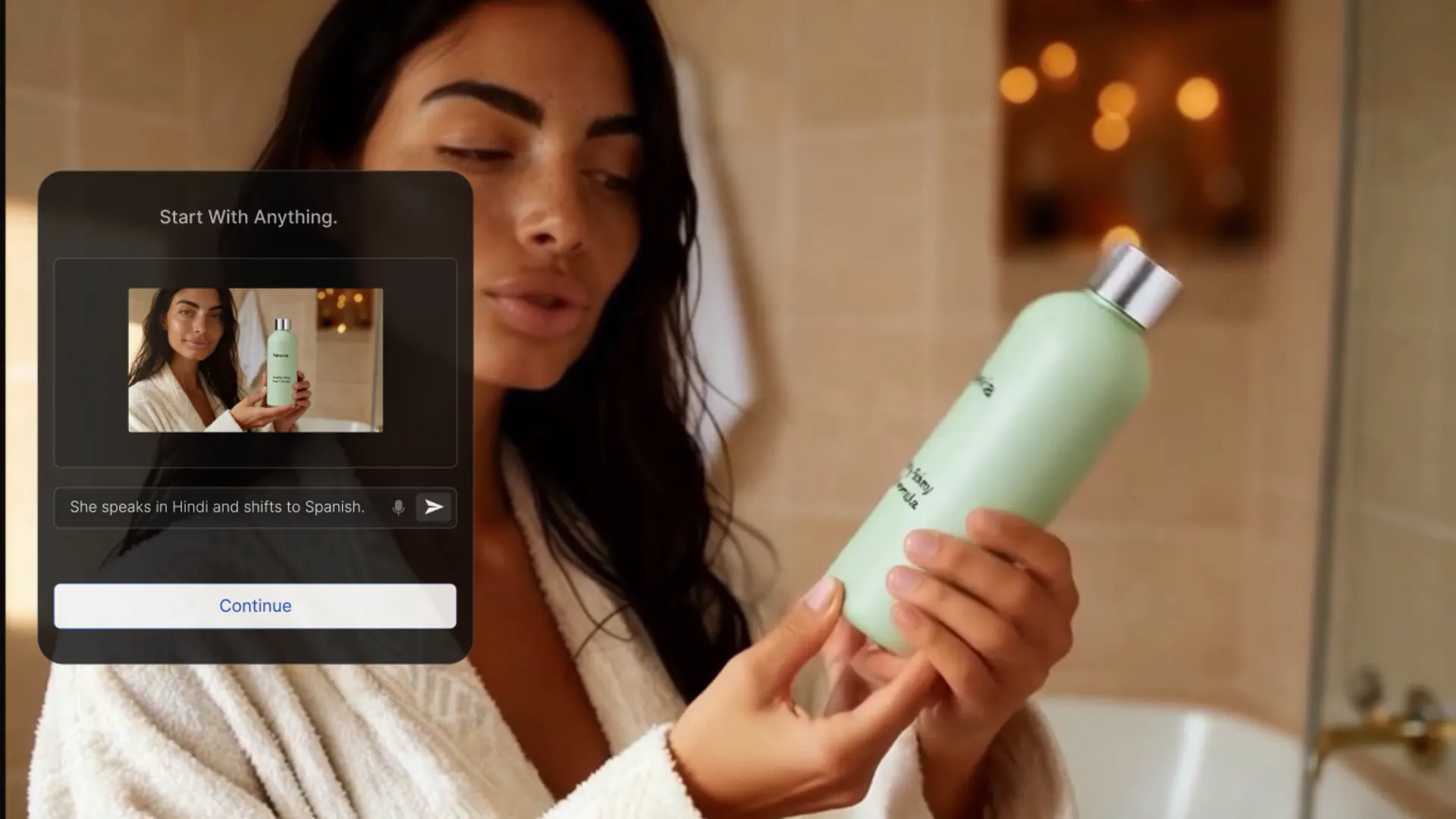

Confined
One layer, one slice. Nothing else moves.

Propagated
Confirm once and the change follows the character into later scenes.

Kept in Sync
Change the timing and all the other layers get auto-adjusted in sync.
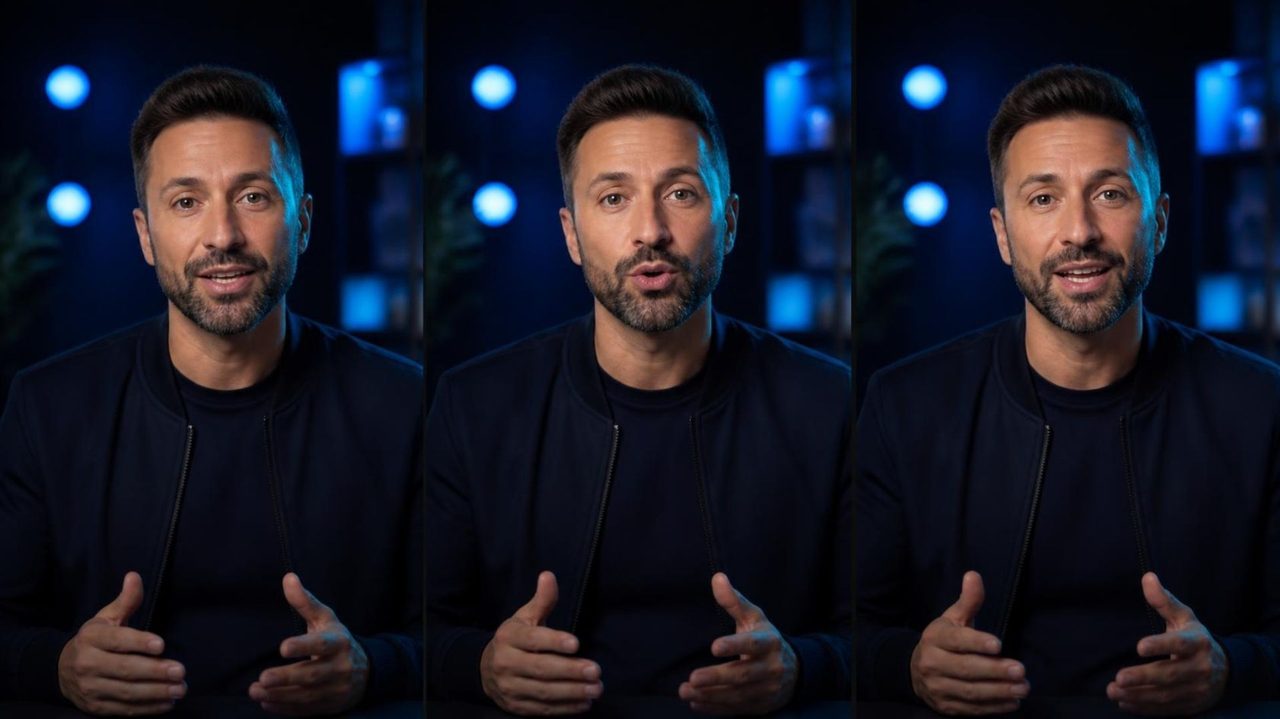
Prompted
Say what to change in plain language, on any of the six layers.
Video Reasoning Layer
Edits That Understand the Story.
The Video Reasoning Layer watches every frame, finds where your change belongs and carries it forward.
Detect
Finds the edited character or object wherever it reappears, scene by scene.
Confirm
Shows you every match. One tap carries the change into all of them.
Critique
Checks every frame for quality and consistency, and re-renders only the scenes that need it.
Auto-Sync
Change the Timing. Everything Follows.
Lengthen a line or trim a shot, and every layer after it slides into place, still perfectly in sync.
Giga PapayaA new voice line at 0:47 runs longer · every other layer auto-adjusts in sync

Ripples Forward
Everything after the edit shifts by exactly the time you added or took away.

Locked in Sync
Lip sync, music, effects and captions move together, so nothing drifts.

Zero Manual Nudging
No re-cutting, no manual re-timing, no chasing sync errors down the timeline.

Reversible
Every edit can be undone, so the earlier cut is always one step away.
Six Layers
Every Layer Is Yours.
Each one stays separate, so each one stays editable.
Video
Swap an outfit, a prop or the light.
Text
Fix a caption or a title card.
Music
Change the score, or just its mood.
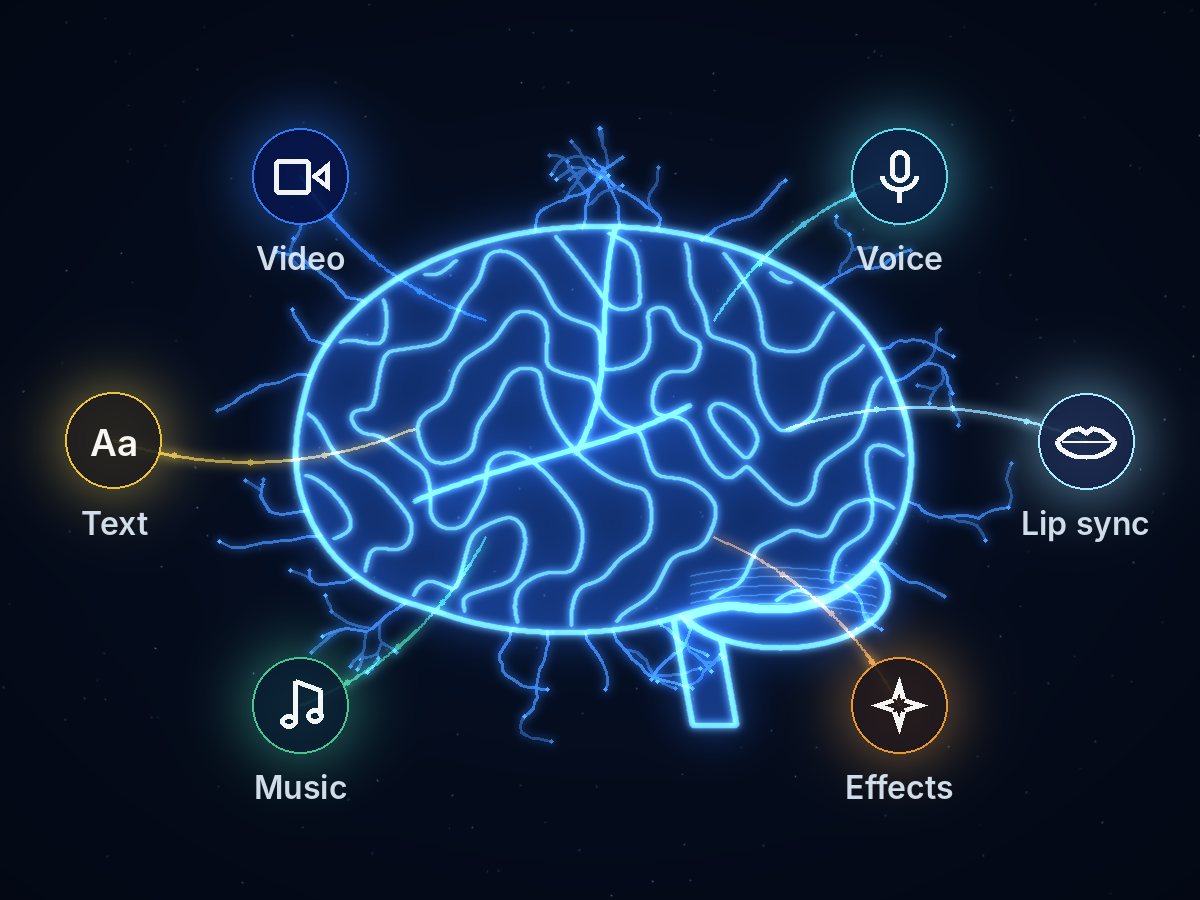
Voice
Re-voice one line or the whole video in 35+ languages.
Lip sync
Follows every new line, automatically.
Effects
Add, move or remove a sound.
Describe the Change
Just Say What Should Change.
Type it the way you would say it, and only that part changes.
“Re-voice the line at 0:47, warmer and slower.”
“Swap the soundtrack for something calmer.”
“Change her jacket to navy, in every scene.”
“Move the whole video into Spanish.”
Voice and lip sync · 0:47 to 0:55 · re-rendered
Music · whole video · rescored
Video · every scene · jacket now navy
Voice, lip sync and text · whole video · now in Spanish
Three Steps
Select. Describe. Done.
No timeline surgery, no regenerating the whole video.
Choose
Select
Pick a layer and the seconds you want to change.
Say it
Describe
Tell it what should change, in plain words.
Done
Re-render
Only that slice renders. Confirm, and the change follows into later scenes.
Economics
Pay for the Edit, Not the Video.
The cost of an edit scales with what you change, not the length of the video.
1 s
Edit precision, per layer
65 to 90%
Compute saved per edit
10
Edits included with every minute
Everywhere You Create
Built Into Every Product.
Studio
Long-form video, edited by prompt.
Learn moreSupercut
Every layer, on the web, iOS and Android.
Learn moreSpark
Explainers from one link, refined line by line.
Learn morePlatform API
Edit calls that return one layer, for a few seconds.
Learn moreGiga Papaya is covered by US patent family P2. See the patent.